How Do You Retrieve a Lost ESTA Application Number?
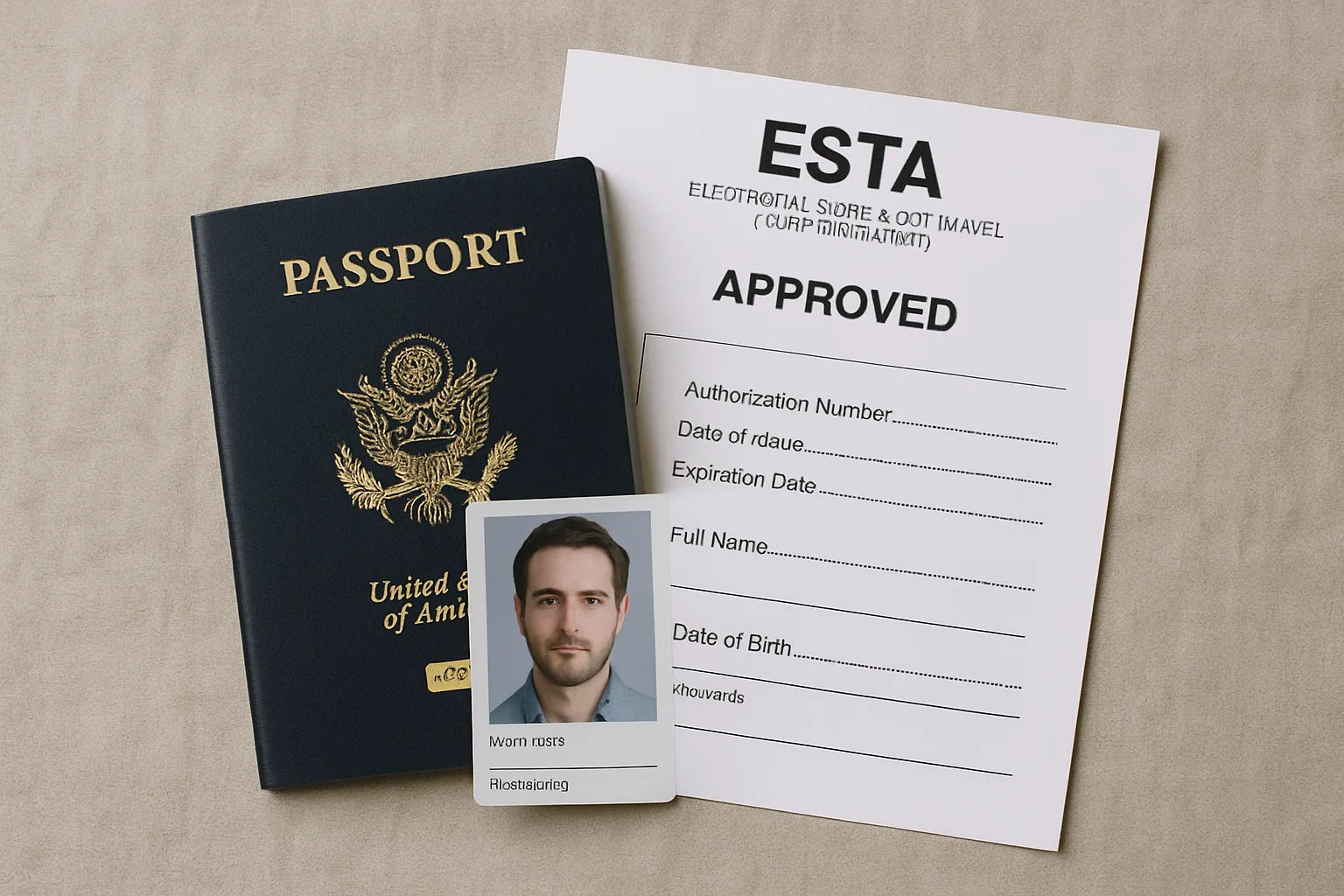
- Check your email inbox for the confirmation email from the ESTA system.
- Use the official DHS website to look up your application using your passport number and other details.
- Contact the ESTA help desk if you still can't find it.
Losing your ESTA application number can be frustrating, especially if you need to check your travel authorisation status or update your details before a trip. The ESTA application number is a unique identifier assigned to each application, and you'll need it for most interactions with the system. But don't worry — retrieving it is straightforward if you know where to look.
This guide walks you through every method to recover your ESTA application number, step by step. Whether you have your passport handy or just need to dig through your email, you'll have your number back in minutes. Remember, this is general guidance — always verify requirements with official sources before travel.
What Is an ESTA Application Number?
An ESTA application number is a 14-character alphanumeric code assigned to your Electronic System for Travel Authorization application. You receive it immediately after submitting your esta application form. This number is your key to checking your application status, updating your information, or referencing your travel authorisation.
Your ESTA number looks something like this: 9876543210ABCD. It's not the same as your passport number or any other travel document ID. Keep it safe — you'll need it if you ever need to modify your application or check if your ESTA is still valid.
If you've lost it, the methods below will help you find it quickly.
Method 1: Check Your Email Confirmation
This is the fastest and easiest way to retrieve your ESTA application number. When you applied for your ESTA, the system sent a confirmation email to the address you provided. That email contains your application number.
Step-by-Step: Find the Email
- Open your email inbox — the one you used when applying for your ESTA.
- Search for "ESTA" or "DHS" in the search bar. The sender is usually "DHS ESTA" or something similar.
- Look for the subject line — it will typically say "ESTA Application Received" or "ESTA Authorization Approved."
- Open the email and scroll to the top. Your application number is usually displayed prominently, often in bold or a larger font.
- Copy the number and save it somewhere safe — like a notes app or password manager.
If you can't find the email, check your spam or junk folder. Sometimes automated emails land there. Also, make sure you're searching the right email address — if you used a different one by mistake, you'll need to try another method.
What If the Email Was Deleted or Lost?
Many travellers accidentally delete their ESTA confirmation email during routine inbox cleanups. For example, you might have cleared out old messages from months ago without realising the ESTA email was among them. In such cases, your email provider's trash or deleted items folder may still hold the message for a limited time.
Check your trash folder within 30 days of deletion, as most services permanently remove emails after that period. If you use Gmail, Yahoo, or Outlook, search for "ESTA" in the trash folder as well. If the email is gone permanently, move to Method 2 or Method 3 below.
Method 2: Use the Official DHS ESTA Website
If you can't find the email, the official website has a tool to retrieve your application number using your passport details. This method works even if you don't have the email.
Step-by-Step: Retrieve via the Website
- Go to the official ESTA website — the URL is https://esta.cbp.dhs.gov/. Make sure it's the .gov site to avoid scams.
- Click on "Check ESTA Status" — this option is on the homepage.
- Enter your personal details — you'll need your passport number, country of citizenship, date of birth, and the security code shown on the page.
- Submit the form — the system will look up your application. If it finds a match, it will display your application number and current status.
- Write it down or take a screenshot — you'll have access to the number for future reference.
This method works for most travellers. If the system can't find your application, double-check the details you entered. A small typo in your passport number or date of birth can cause a mismatch.
Common Errors When Using the Website
Sometimes the website may return an error or say "no application found." This often happens if you entered your passport number incorrectly, such as mixing up letters and numbers. For instance, a UK passport number like 123456789 might be confused with 12345678B if misread.
Also, ensure you select the correct country of citizenship from the dropdown menu. If you hold dual citizenship, use the passport you applied with originally. If the problem persists, your application may not have been submitted successfully, so try Method 3 or reapply.
Method 3: Contact the ESTA Help Desk
If both methods above fail, you can contact the ESTA help desk directly. They can assist you in retrieving your number, but you'll need to provide personal information to verify your identity.
How to Contact
- Phone: Call the ESTA help desk at +1-202-325-8000 (international rates apply). Hours are 24/7, but wait times can vary.
- Email: Use the contact form on the official website. Response times are usually within 24 hours.
When you call or email, have your passport details ready. The agent will ask for your full name, date of birth, passport number, and country of citizenship. They may also ask security questions about your application, such as your travel dates or address.
Be patient — the help desk handles many inquiries. But they are trained to help you recover your number securely.
What to Expect During the Call
When you call the help desk, you may hear an automated menu first. Listen carefully for options related to "application number retrieval" or "status check." If you can't find the right option, press 0 to speak with an operator.
Have a pen and paper ready to write down the number they provide. The agent may also send a follow-up email with your application number for reference. Keep that email safe for future use.
Common Reasons You Might Lose Your ESTA Number
It happens more often than you think. Here are the most common scenarios:
- Deleted or lost email — you cleaned out your inbox and accidentally deleted the confirmation.
- Used a different email — you applied with a work or secondary email and forgot which one.
- Typo in email address — a small mistake meant the confirmation never arrived.
- Saved it somewhere and forgot — you wrote it on a sticky note that's now gone.
Whatever the reason, the methods above will help you recover it.
What If You Never Received a Confirmation Email?
If you never received a confirmation email after applying, your application may not have gone through. This can happen if there was a technical error or if the payment didn't process. In that case, you'll need to reapply.
But before you do, check your spam folder thoroughly. Also, try the website method — sometimes the application went through even if the email didn't arrive. If the website finds your application, you're good.
If not, you'll need to submit a new esta application form.
Note that you must pay the fee again if you reapply. The fee is non-refundable, so double-check before starting over.
Why Confirmation Emails Sometimes Fail
Technical glitches can prevent confirmation emails from being sent. For example, your email provider might block the DHS server as spam, or a temporary outage could interrupt delivery. In some cases, the email address you entered may have had a typo, like ".con" instead of ".com."
If you suspect a typo, try the website method first. If that fails, contact the help desk to verify whether your application exists. They can confirm if the application was processed despite the email issue.
How to Avoid Losing Your ESTA Number in the Future
Once you've retrieved your number, take steps to keep it safe. Here are practical tips:
- Save the email — create a folder in your inbox labelled "Travel Documents" and move the confirmation there.
- Write it down — note it in a travel journal or a dedicated notes app on your phone.
- Take a screenshot — store it in a secure folder or cloud storage.
- Use a password manager — many allow you to store notes and documents alongside your passwords.
If you travel frequently, keep a digital copy of your ESTA approval alongside your passport scan. That way, you always have it handy.
Create a Backup System for Travel Documents
Consider using a cloud-based service like Google Drive or Dropbox to store copies of your ESTA confirmation. Create a folder named "Travel Documents" and upload a PDF or screenshot of the email. This ensures you can access it from any device, even if you lose your phone or laptop.
For added security, use two-factor authentication on your cloud accounts. This prevents unauthorised access to your sensitive travel information. Also, print a physical copy and keep it in your wallet or travel pouch as a last resort.
What Is an ESTA? (Quick Recap)
If you're new to ESTA, here's a brief overview. The Electronic System for Travel Authorization (ESTA) is a travel authorisation required for visa-free travellers visiting the United States under the Visa Waiver Program. It's not a visa — it's a pre-screening that allows you to board a plane or ship to the US.
For more details, read our guide on what esta is.
Your ESTA is valid for two years (or until your passport expires, whichever comes first). During that time, you can travel to the US multiple times without reapplying — as long as you have your application number or approval to reference.
Can I Travel Without My ESTA Number?
Technically, you don't need your ESTA number to travel. Your ESTA is linked to your passport number in the US Customs and Border Protection (CBP) system. When you check in for your flight, the airline will verify your ESTA status electronically using your passport details.
So even if you lose the number, you can still travel as long as your ESTA is valid.
However, you may need the number if:
- You want to check your ESTA status before departure.
- You need to update your passport information or other details.
- You're applying for a new ESTA and want to reference a previous application.
So while it's not essential for boarding, it's useful to have.
When the Number Becomes Critical
If you need to change your passport number due to renewal or loss, you must update your ESTA. The system requires your application number to make changes. Without it, you may need to apply for a new ESTA entirely, which costs time and money.
Similarly, if you're checking your ESTA status before a trip and find it's expired, you'll need the number to reference the old application. This helps the system process your new application faster. So, keeping the number handy saves you hassle in the long run.
What If My ESTA Is Expired or Denied?
If you retrieve your number and find that your ESTA has expired, you'll need to apply for a new one. The process is the same as the first time. If your ESTA was denied, you cannot travel under the Visa Waiver Program and will need to apply for a visa instead.
For transit through the US, note that some travellers may need an esta transit visa — but ESTA itself covers transit for eligible nationals. Check the official requirements to be sure.
What to Do If Your ESTA Is Denied
An ESTA denial means you are not eligible for the Visa Waiver Program. You must apply for a B-1 or B-2 visitor visa at a US embassy or consulate. This process can take weeks or months, so plan ahead.
If your ESTA was denied due to an error, such as a typo in your application, you can reapply with corrected information. However, if the denial is based on criminal history or other issues, you may need legal advice. Always consult official CBP resources for guidance.
Using Third-Party Services to Retrieve Your Number
Some travellers consider using third-party websites to retrieve their ESTA number. These sites often charge a fee for the same service you can get for free on the official website. Avoid them — they may not be secure and could misuse your personal data.
Stick to the official DHS website or the help desk for safe retrieval. If you accidentally used a third-party service to apply originally, check your email for their confirmation. They may have provided your application number, but verify it with the official site.
Risks of Third-Party Sites
Third-party sites may ask for sensitive information like your passport number and credit card details. They could sell this data or use it for fraud. Always verify that a site ends in ".gov" before entering any personal information.
If you already used a third-party site, monitor your accounts for suspicious activity. Change your passwords and enable fraud alerts if needed. Your ESTA number itself is not a security risk, but the associated personal details are valuable to scammers.
How to Check Your ESTA Status Without the Number
If you don't have your ESTA number, you can still check your status using the official website's "Check ESTA Status" tool. Enter your passport number, date of birth, and country of citizenship. The system will display your current status and application number if found.
This method works for most travellers, but it requires an internet connection. If you're offline, call the ESTA help desk for assistance. They can verify your status over the phone using your passport details.
What the Status Check Reveals
The status check shows whether your ESTA is "Approved," "Pending," "Not Authorized," or "Expired." If it's "Pending," you may need to wait up to 72 hours for a decision. If it's "Not Authorized," you cannot travel under the Visa Waiver Program.
For "Expired" status, you must reapply. The system will not automatically renew your ESTA. Use the same passport details to submit a new application, and keep the new number safe.
What to Do If You Applied Through a Travel Agent or Airline
If you used a travel agent or airline to submit your ESTA, the confirmation email may have gone to them instead of you. Check with your agent or airline's customer service to see if they have your application number on file. They often keep records of such submissions for their clients.
Ask them to forward the original confirmation email to your personal inbox. If they cannot provide it, use the official DHS website with your passport details to retrieve the number yourself. This method works regardless of who submitted the application.
Verifying the Agent's Information
Once you get the number from your agent, verify it on the official DHS website. Enter the number along with your passport details to confirm the status. This ensures the agent didn't make any errors during submission.
If the number doesn't match, contact the agent immediately to correct the issue. You may need to reapply if the original application was flawed. Always double-check your ESTA status before booking flights.
Understanding ESTA Application Number vs. ESTA Approval Number
Some travellers confuse the application number with the approval number. The application number is assigned when you submit the form, while the approval number appears only after your ESTA is authorised. Both are important, but the application number is used for most updates and checks.
Your approval number is typically included in the same confirmation email as the application number. If you only have the approval number, you can still use the website to look up your full details. The system will link the two numbers together.
When You Might Need the Approval Number
The approval number is sometimes requested by airlines during check-in for extra verification. However, most airlines only need your passport number to confirm your ESTA status. Keep both numbers safe, but prioritise the application number for administrative tasks.
If you lose both numbers, use the website method with your passport details to retrieve them. The system will display both the application number and the approval status. Write them down together for future reference.
How Long Does It Take to Retrieve Your ESTA Number?
Retrieving your ESTA number is usually quick. Checking your email takes just a few minutes if you find the confirmation message. Using the official website also takes less than five minutes with your passport details ready.
Calling the help desk may take longer due to wait times, but it's still efficient. Most calls are resolved within 10 to 15 minutes once you reach an agent. Plan ahead if you're in a hurry, but don't stress — the process is straightforward.
Factors That Can Delay Retrieval
Delays can occur if you have trouble remembering the email address you used. Searching multiple inboxes can take extra time. Also, if the website is down for maintenance, you may need to wait or try the help desk.
If your application is very old (over two years), it may have been purged from the system. In that case, you'll need to reapply entirely. Keep your ESTA number within the validity period for easy access.
Can Someone Else Retrieve My ESTA Number for Me?
Yes, a family member or travel companion can help you retrieve your ESTA number if you provide them with your passport details. They can access the official website or check your email on your behalf. However, be cautious about sharing sensitive information.
Only share your passport number and date of birth with trusted individuals. If you use a third party, ensure they use the official DHS website only. Never give your details to unverified services or strangers.
Authorising a Representative
If you need ongoing help, you can authorise a representative to manage your ESTA. This might include a travel agent or family member. Provide them with written permission if required by the help desk.
The representative will need your full name, passport number, and date of birth to access your records. Keep a record of who you authorise to avoid confusion later. Revoke authorisation if you no longer need their assistance.
What to Do If You Can't Retrieve Your Number at All
In rare cases, you may be unable to retrieve your ESTA number through any method. This could happen if the application was never processed or the system has no record. If this occurs, you must submit a new esta application form.
Before reapplying, check your bank statements to see if the fee was charged. If it was, contact the help desk to investigate the discrepancy. If not, simply start a new application with accurate details.
Preventing Future Issues
To avoid this situation, always save your confirmation email immediately after applying. Set a reminder to check your ESTA status a few days before travel. This gives you time to retrieve the number or reapply if needed.
Consider using a travel document management app to store all your travel authorisations in one place. These apps can send alerts when your ESTA is about to expire. Stay organised to ensure smooth travel every time.
Key Takeaways
- Your ESTA application number is a 14-character alphanumeric code found in your confirmation email.
- If you lose it, check your email first, then use the official DHS website with your passport details.
- The ESTA help desk can assist if all else fails.
- You don't need the number to travel, but it's useful for managing your ESTA.
- Always verify your ESTA status before travel using official sources.
Frequently asked questions
Can I retrieve my ESTA application number without my passport?
How long does it take to retrieve an ESTA application number via the website?
What should I do if the ESTA website says 'No record found'?
Can someone else retrieve my ESTA application number for me?
Is it safe to use third-party websites to retrieve my ESTA number?
This article is for general informational purposes only. Visa and travel authorisation rules change frequently. Always check the official government website before travelling.

Written & reviewed by
Can OTUTravel Authorisation Editor
Can OTU is the editor of ETA Travel Assistant, specialising in UK ETA, Schengen ETIAS, NZeTA and ESTA travel authorisations. Can monitors official government sources and policy updates to ensure every guide is accurate, current and genuinely useful for travellers.
View all guides →