UK ETA App Not Working? Your Complete Troubleshooting and Online Alternative Guide
Quick answer: If the UK ETA app is not working, first check that your phone meets the official requirements for storage, NFC and camera access. If you cannot download the app or have problems using it, you can apply online instead. You must wait for an email confirming your ETA before you travel.
Common Reasons the UK ETA App Fails
The app may not appear in your app store, may refuse to install, may close unexpectedly, or may get stuck when you try to scan your passport.
The most common causes are:
- Your phone is too old or does not meet the minimum model requirements.
- You do not have enough free storage space to install the app.
- Your phone does not have NFC, or NFC is switched off.
- The app does not have permission to use the camera.
- You are trying to use a photocopy or digital passport instead of the physical passport you will travel with.
None of these problems means you are ineligible for an ETA. This is set out on the official UK ETA app guidance.
Checking Your Phone's Compatibility (Android and iPhone)
Before you try to reinstall the app or switch to the online form, check whether your phone is compatible. The official compatibility requirements are specific, and they differ between iPhone and Android.
iPhone compatibility
If you have an iPhone 6s or older model, the app will not be available to you through the App Store. iPhone users download the app from the App Store.
If your iPhone is an iPhone 7 or newer but you cannot find the app, you can apply online instead.
Android compatibility
Android users download the app from the Google Play Store. The official guidance does not name a minimum Android phone model in the same way it does for iPhone, but it does state that Android users need NFC so the app can scan their passport. NFC can be found in your phone's settings.
If your Android phone does not have NFC, the app cannot scan your passport. This is a hardware limitation, not a temporary fault. In that situation, the online application is the appropriate alternative.
You can read the full compatibility details on the GOV.UK page about using the UK ETA app.
Storage, NFC, and Camera Access Requirements
Three technical requirements cause most installation and scanning failures: storage space, NFC, and camera access. Checking these in order can save you from repeatedly restarting the app.
Storage space
The app needs a specific amount of free space before it can be installed. Android users need at least 165MB of storage space to install the app. iPhone users need at least 179MB of storage space to install the app.
These figures refer to space needed to install the app, not the total size of the app after installation. If your phone reports less free space than the relevant figure, delete unused apps, photos or videos, then try the installation again.
NFC
Android users need NFC so the app can scan their passport. NFC, or Near-Field Communication, is the technology that lets your phone read the chip in your passport. You can find this in your phone's settings, usually under connections or wireless settings.
If your Android phone has NFC but the app cannot read your passport, you can apply online instead.
Camera access
Whichever phone you use, the app will need access to the camera. If you previously denied camera permission, the app may open but then fail when you reach the scanning step.
To fix this, go to your phone's settings, find the UK ETA app in the app list, and check that camera permission is enabled. On iPhone this is under Settings, Privacy and Security, Camera. On Android the location varies by manufacturer, but it is usually under Settings, Apps, UK ETA, Permissions.
After enabling camera access, close the app completely and reopen it.
How to Switch to the Online Application
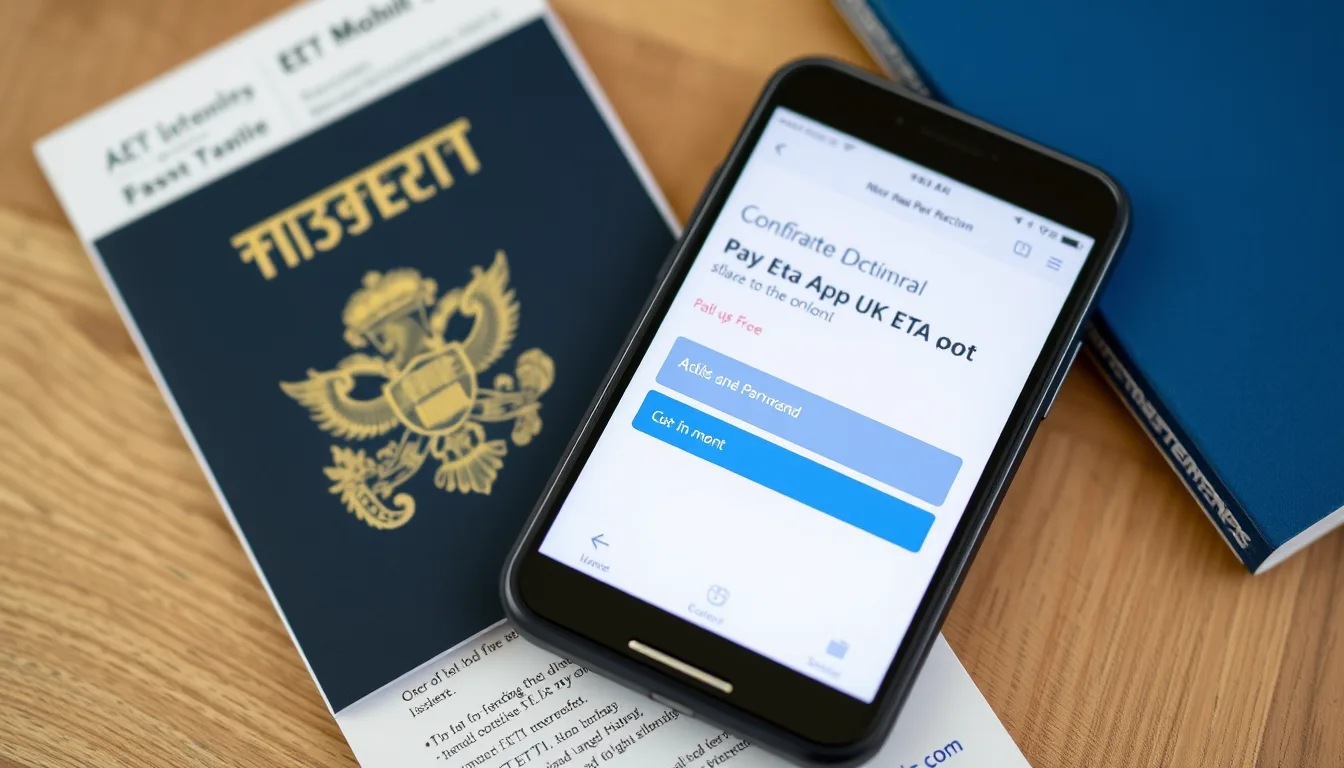
If the app still will not work after you have checked compatibility, storage, NFC and camera access, you can apply online instead. The online application is an official alternative, not a workaround or third-party service.
This means the online form is a fully valid way to apply. You can find the application route through the official apply page on GOV.UK.
Step 1: Gather what you need
The passport must be the physical passport, not a photocopy or digital passport.
Step 2: Open the online form
Go to the official GOV.UK ETA application page and select the online form. You can complete the online form on a phone, tablet or computer, provided you can take or upload the required photos.
Step 3: Enter the applicant's details
Answer the questions exactly as they appear on the passport. If you are applying for someone else and that person is not with you, you must apply for their ETA online. To apply for someone who is not with you, apply online.
Step 4: Upload the photos
Follow the on-screen instructions to provide a photo of the passport and a photo of the face of the person applying. If a photo is rejected, you will normally be asked to provide a clearer image before you can submit the application.
Step 5: Pay the fee
You can pay by credit card, debit card, Apple Pay or Google Pay where those options are offered.
Step 6: Wait for the confirmation email
The official guidance does not guarantee a decision time, so allow enough time before your planned departure.
Step 7: Travel with the correct passport
An ETA will be valid and confer permission to travel only where the holder travels using the passport specified in the ETA application. If your passport has expired or changed, you need to apply for a new ETA. The ETA is linked to the passport you used when you applied.
If you are unsure whether you meet the uk eta application requirements, check that guide before you start. It explains the documents, photos and information you need for both the app and the online form.
The online form is not a secondary or lower-priority route; it is one of the two official application methods.
Step 1: Confirm the app is not available to you
Check your phone model against the official requirements. If your phone is older, the app will not appear in the App Store.
On Android, check that your phone has NFC and at least 165MB of free storage space. If either requirement is missing, the app may not install or may not work after installation.
Step 2: Stop trying to install from unofficial sources
Only download the app from the App Store on iPhone or the Google Play Store on Android. Do not download an APK from a third-party website or use a link sent by email, text or social media. Unofficial versions can compromise your personal data and are not accepted as part of the official application process.
Step 3: Start the online application
Go to the official GOV.UK ETA page and choose the online form. The online form asks for the same core information and leads to the same type of ETA decision.
Step 4: Apply for other people online if necessary
You can apply for other people.
If you are helping a family member in another country, the online form is the correct route.
Step 5: Pay and wait for the email
For example, four applications cost £80.
Can You Apply for Someone Else When the App Fails?
Yes, but the route depends on whether the other person is physically with you.
This distinction matters when the app is not working. To apply for someone who is not with you, apply online.
The online form lets you provide a photo of their passport and a photo of their face without them being present.
If you are with the person you want to apply for, you can use the app, and you will need to take a photo of them and scan their face. If the app fails at that point, switch to the online form and upload the photos instead.
What the ETA App and Online Form Have in Common
Whichever route you use, the underlying application is the same. The fee, the information required and the decision process do not change because you used one route rather than the other.
Before applying for an ETA using the app, you need the passport you will travel with, an email address, and a credit card, debit card, Apple Pay or Google Pay.
The ETA itself is also the same. You can get an ETA for tourism, visiting family or for certain other reasons. An ETA will be valid for 2 years from the date of grant or until the expiry of the holder's passport used in the ETA application, whichever is sooner.
You can travel to the UK as many times as you want while you have an ETA. You cannot stay in the UK for longer than 6 months with an ETA.
What to Check Before You Apply
Not everyone needs an ETA to travel to the UK. You do not need an ETA to travel to the UK if you're a British or Irish citizen.
You do not need an ETA to travel to the UK if you have a UK visa. If you're from a country that needs a visa, you'll need to apply for a visa before travelling to the UK.
You do not need an ETA if you're transiting through a UK airport without passing through border control (airside). You do not need an ETA if you're a child travelling on the France-UK school trip travel information form.
An applicant who is lawfully resident in the Republic of Ireland and is travelling to the UK from elsewhere in the Common Travel Area does not need to obtain an ETA.
The how much does a uk eta cost guide also explains the current fee and what to expect when you pay.
What to Do If Your Application Is Rejected or Refused
App problems and application outcomes are separate issues, but it helps to know what happens if the online form or app reports a problem after you submit.
If your application is rejected or you need to change the details in your application, you'll need to apply again. A rejection in this context means the application was not accepted as valid, for example because required information was missing. An application which does not meet the validity requirements for an ETA application is invalid and must be rejected and not considered.
A refusal is different. A person who is refused an ETA has not been refused permission to enter the UK. However, a person refused an ETA will need to apply for a visa if they wish to come to the UK.
Refusal grounds include serious criminal convictions, exclusion or deportation orders, and false representations in a current or previous application.
If your application is refused, the official guidance does not describe a simple appeal button inside the app or online form. You should read the refusal notice carefully and check the current options on GOV.UK before deciding what to do next.
Frequently Asked Questions
Can I use the online form if the app will not scan my passport?
Yes.
Do I need a specific phone to apply online?
No.
Can I get help from UKVI by phone if the app fails?
No. This guide is independent general guidance, not a government service.
Does the ETA cost more if I apply online?
No.
Can I apply for my child online if the app will not work?
Yes. You can apply for other people.
Will an ETA guarantee I can enter the UK?
No. An ETA does not guarantee entry to the UK.
This guide reflects the official UK ETA requirements published by the UK government at the time of writing. Requirements can change, so verify the current rules with official sources before you travel.
Official sources checked
- GOV.UK: using the UK ETA app
- GOV.UK: apply for an ETA
- GOV.UK: Immigration Rules, Appendix ETA
- GOV.UK: check your ETA
- GOV.UK: Electronic Travel Authorisation (ETA)
- GOV.UK: what you can and cannot do with an ETA
- GOV.UK: when you do not need an ETA
The facts in this guide were last compared with these official pages on 20 October 2026. Check the current page before you apply or pay.
Official sources
Check the authority for current fees and requirements before applying.
Frequently asked questions
Can I use the online form if the UK ETA app will not scan my passport?
Do I need a specific phone to apply online?
Can I get help from UKVI by phone if the app fails?
Does the ETA cost more if I apply online?
Can I apply for my child online if the app will not work?
Will an ETA guarantee I can enter the UK?
This article is for general informational purposes only. Visa and travel authorisation rules change frequently. Always check the official government website before travelling.

Written & reviewed by
Can OTUTravel Authorisation Editor
Can OTU is the editor of ETA Travel Assistant, specialising in UK ETA, Schengen ETIAS, NZeTA and ESTA travel authorisations. Can monitors official government sources and policy updates to ensure every guide is accurate, current and genuinely useful for travellers.
View all guides →